
Create your clickable image map
iMapBuilder provides options to draw custom regions on the map. The custom regions can be a rectangular region, circular region, or a polygon.
Click  /
/  /
/  to draw polygon overlay on your map,
and the Region dialog opens.
to draw polygon overlay on your map,
and the Region dialog opens.
You may refer to topics below for details of adding polygon overlay:
-
Rectangle Region ;
- Circle Region ;
- Polygon Region

Displaying region dialog
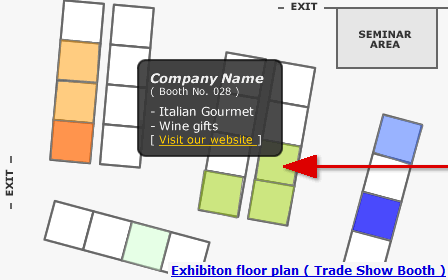
Map Sample: Add polygon overlay on floor plan to locate your exhibition booth
Show a Concentric Circle Around a Pinpoint / Marker
Custom Region, e.g. concentric circle would be useful for a coverage map, to visualize range or distance.
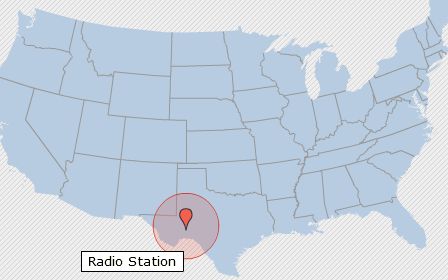
Map Example: Draw concentric circle for a radio coverage map